
Contemporary
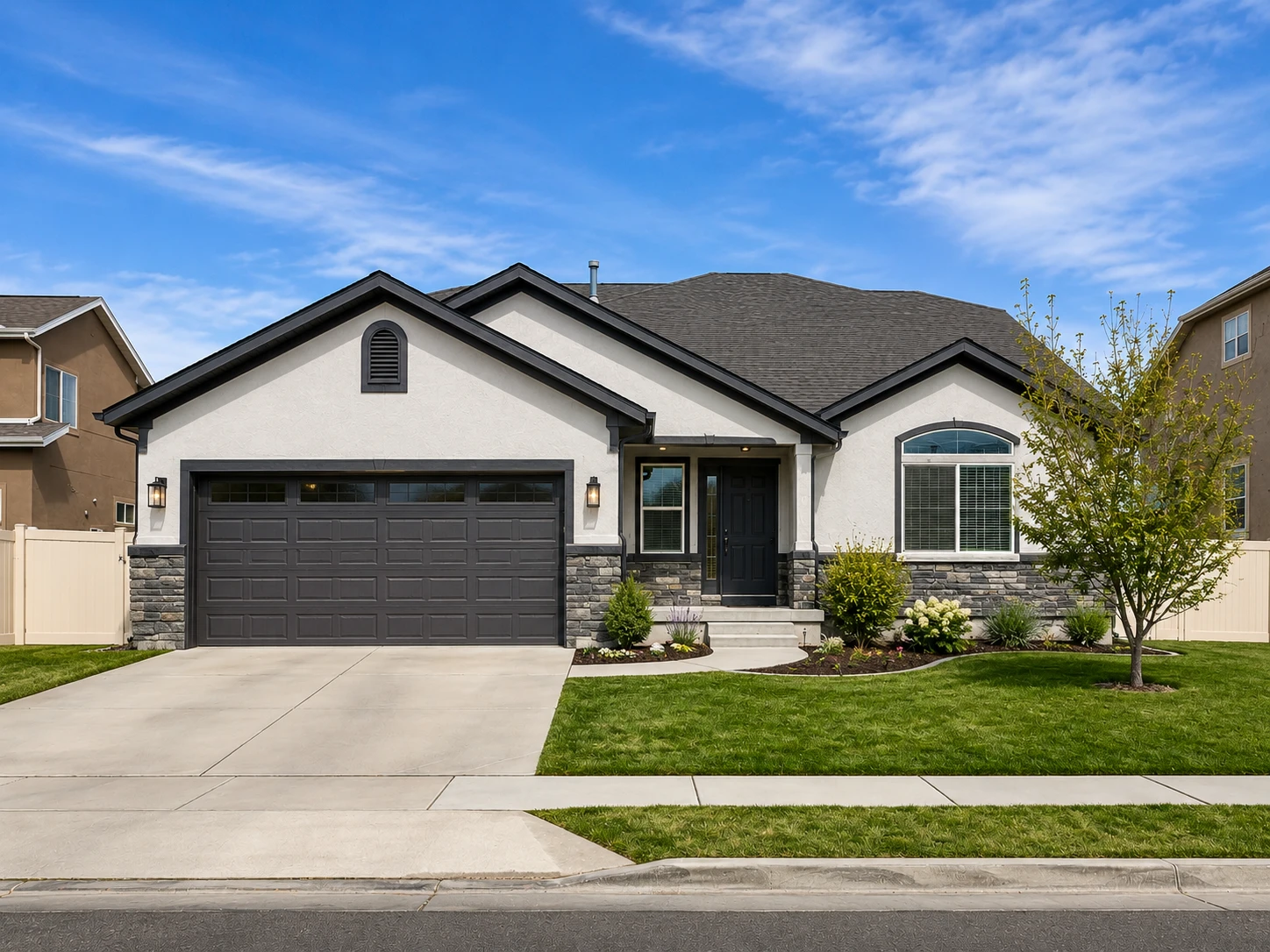
Crisp contrast, updated materials, and clean landscaping.
Explore realistic facade, front-yard, and backyard improvements while preserving the building’s recognizable structure.

Use the examples as a starting point, then refine the result inside your EstateFrame workspace.
Crisp contrast, updated materials, and clean landscaping.

Warm siding, natural wood, and welcoming details.

Textured finishes, warm stone, and layered planting.

Fresh color, easy planting, and relaxed curb appeal.
A focused workflow keeps the experience simple for agents, sellers, designers, and property teams.
Create attractive renovation concepts while keeping the original building recognizable.
Give agents and sellers a stronger visual story for facades, gardens, and outdoor spaces.
Test different exterior styles before committing to a full renovation proposal.
Use a clear exterior image with the full redesign area visible.
Choose House Facade, Backyard, or Front Yard and select a style.
Compare the original with the concept and save the strongest direction.
Small improvements to the source image and instructions can make the final result easier to trust and use.

Avoid cutting off the roofline, front door, or landscaping area you want the AI to understand.

A style that suits the building’s shape and neighborhood usually produces the most credible marketing result.

Generated exteriors are visual proposals, not construction drawings. Materials and feasibility should be verified separately.
These answers describe the current EstateFrame workflow and its intended use.
Contact support →Yes. Select the Front Yard area so the prompt focuses on paths, planting, lawn, and presentation.
The workflow asks the model to keep structural geometry, but each result should still be reviewed for accuracy.
Yes. Backyard mode is suitable for landscaping, seating, patios, and outdoor presentation concepts.
No. It is a marketing visualization intended to communicate a possible design direction.
Open the EstateFrame workspace, use your free credits, and keep every result organized in one account.