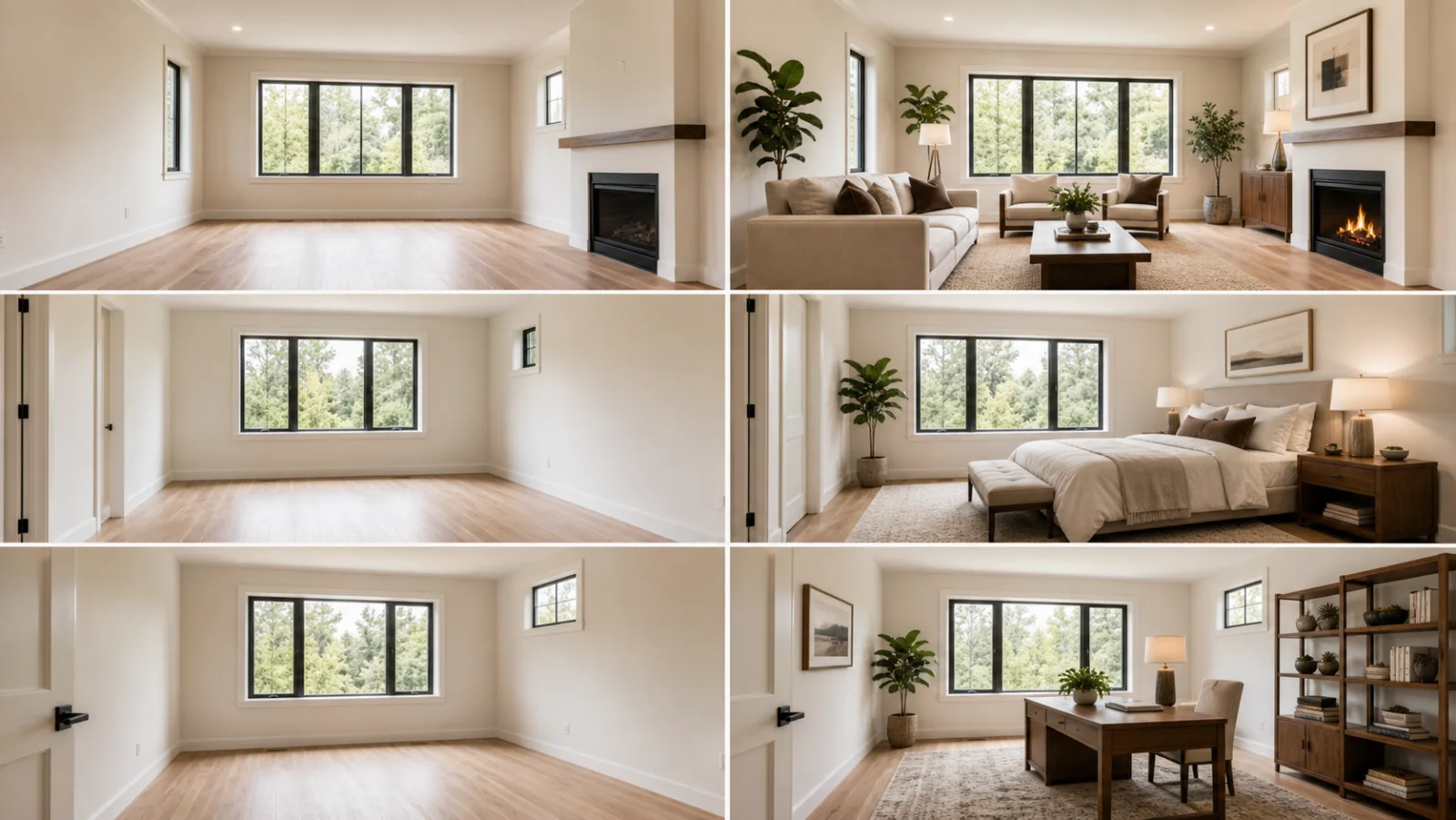
Complete Set
Living, bedroom, and office staged together.
Prepare multiple rooms together so the listing feels consistent from the first image to the last.


Use the examples as a starting point, then refine the result inside your EstateFrame workspace.
Living, bedroom, and office staged together.
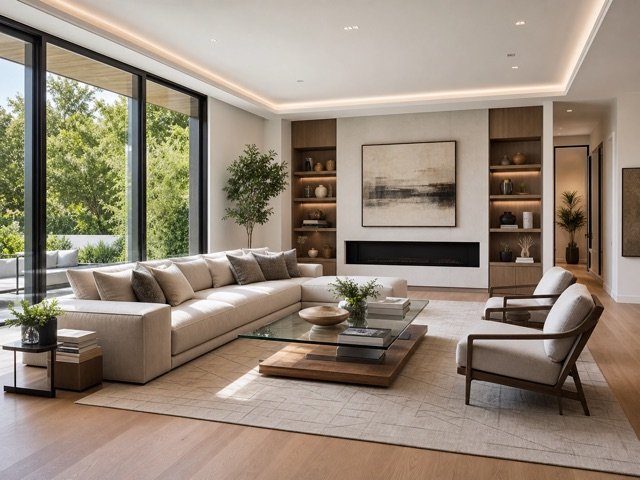
A neutral direction suited to broad buyer appeal.
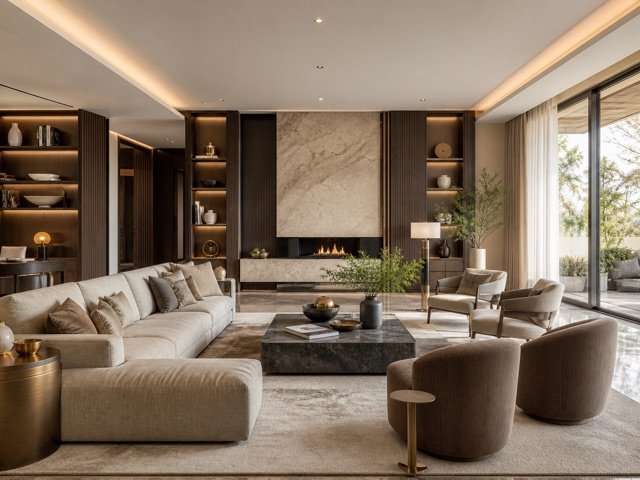
A richer direction for premium presentation.
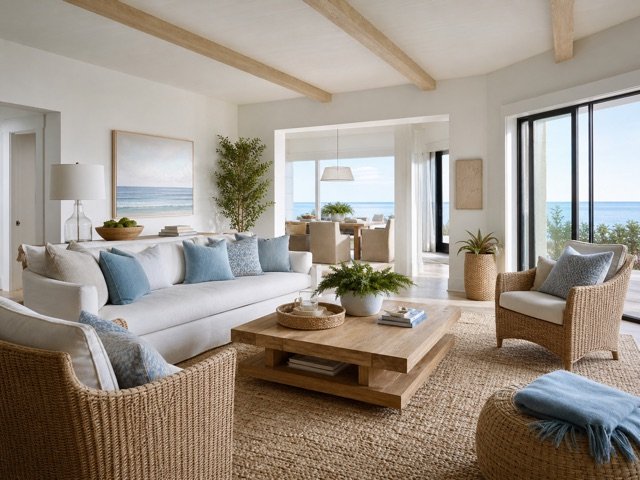
An airy visual language across the property.
A focused workflow keeps the experience simple for agents, sellers, designers, and property teams.
Apply one style direction across several rooms instead of creating isolated visual treatments.
Choose the design once, add the photo set, and manage the results together.
Save generated outputs to the same property project for simpler review and delivery.
Upload the room images that belong to the same property.
Choose one design direction and confirm each room type.
Process the batch, review every output, and download the approved set.
Small improvements to the source image and instructions can make the final result easier to trust and use.
Consistent camera height, exposure, and white balance help the final property set feel intentional.
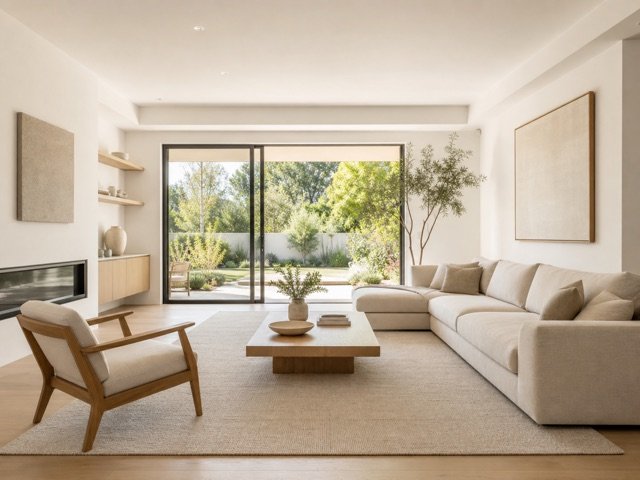
A restrained design direction can adapt across living rooms, bedrooms, kitchens, and offices.
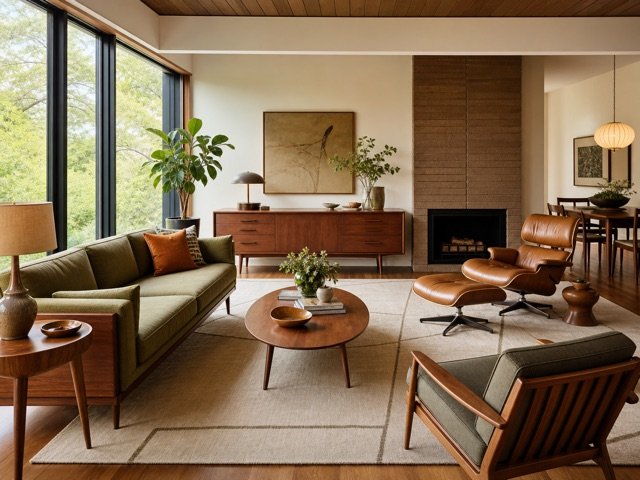
A cohesive batch still needs image-by-image quality control before the results are published.
These answers describe the current EstateFrame workflow and its intended use.
Contact support →The interface shows the total based on the number of images and the configured per-image cost.
No. A batch can contain different rooms from the same property.
Yes. The purpose of the workflow is to maintain one coordinated design direction across the set.
Yes. Completed outputs can be reviewed and downloaded individually.
Open the EstateFrame workspace, use your free credits, and keep every result organized in one account.