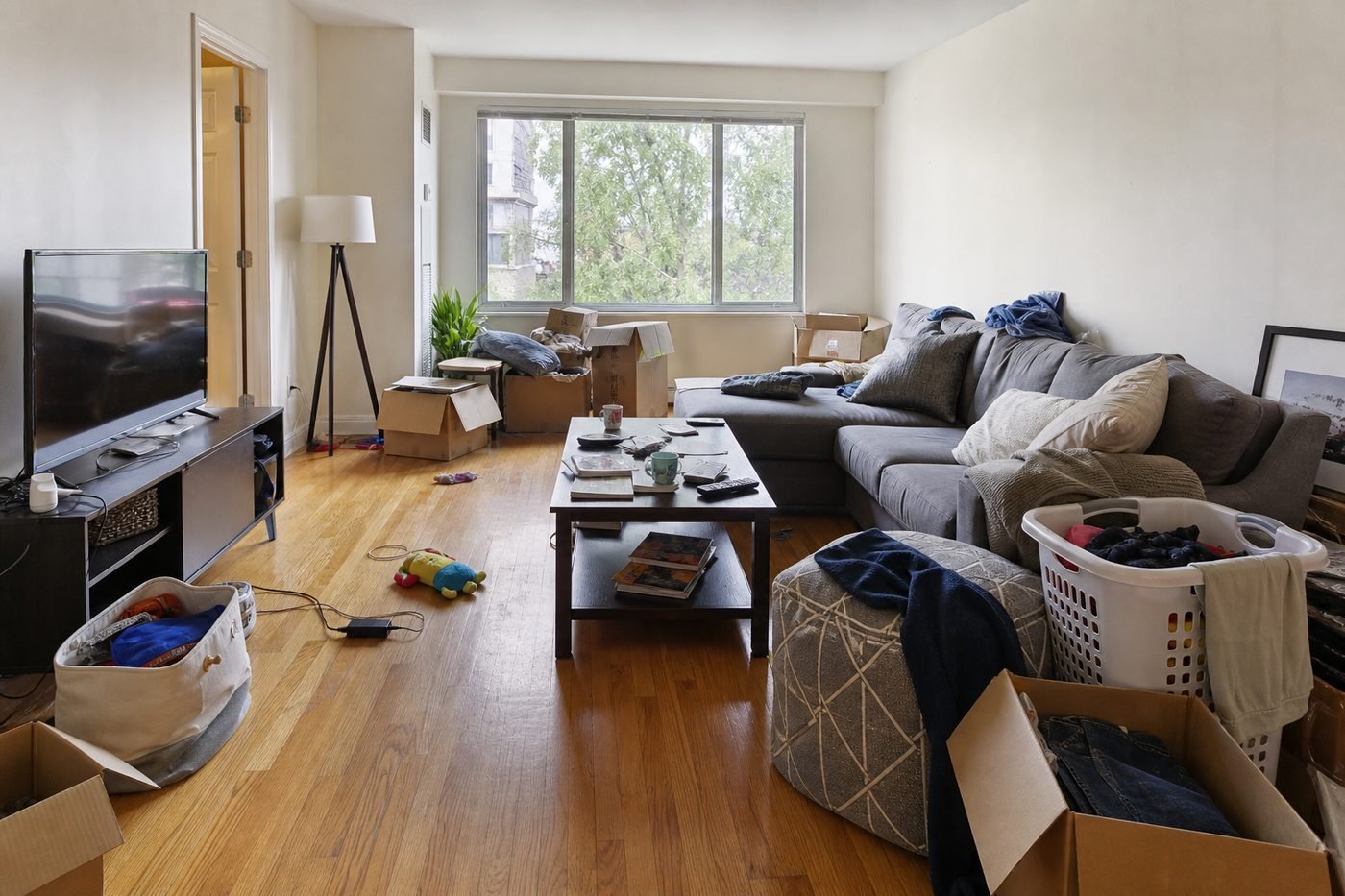
Living Room
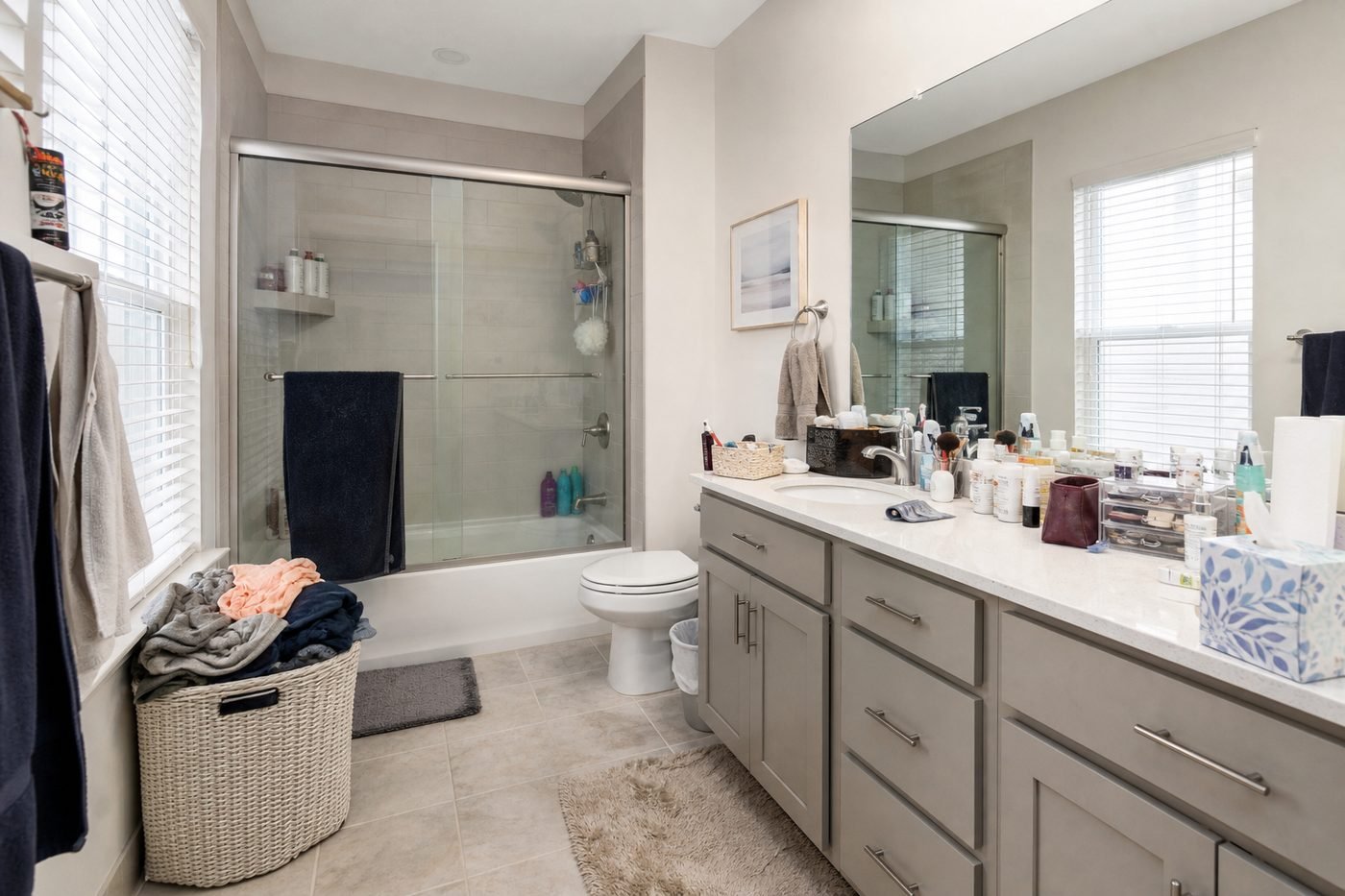
Remove toys, laundry, boxes, and surface clutter.
Remove distracting loose objects and reconstruct the scene naturally without restaging the permanent furniture.


Use the examples as a starting point, then refine the result inside your EstateFrame workspace.
Remove toys, laundry, boxes, and surface clutter.
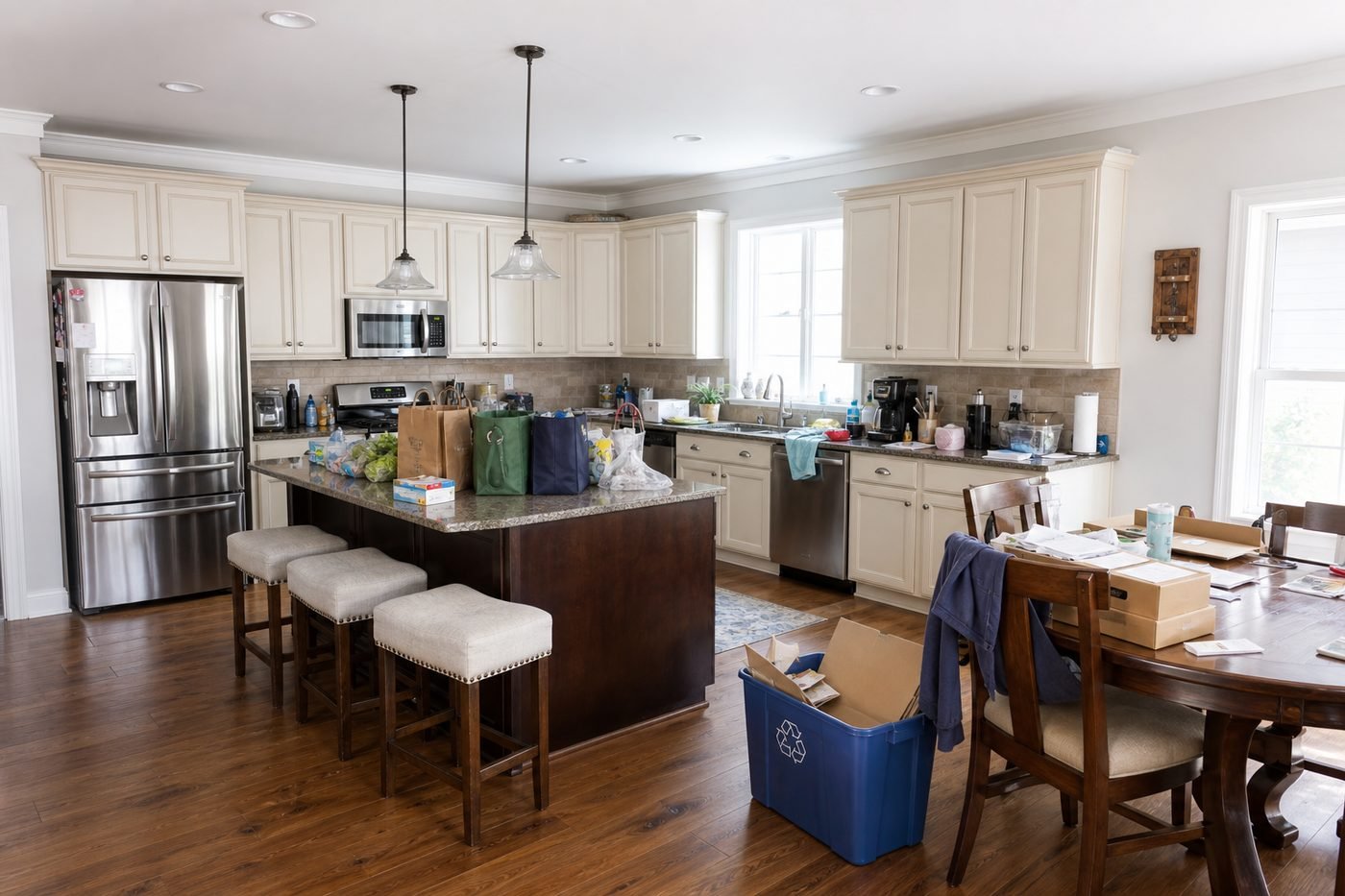
Clear counters while preserving cabinets and appliances.
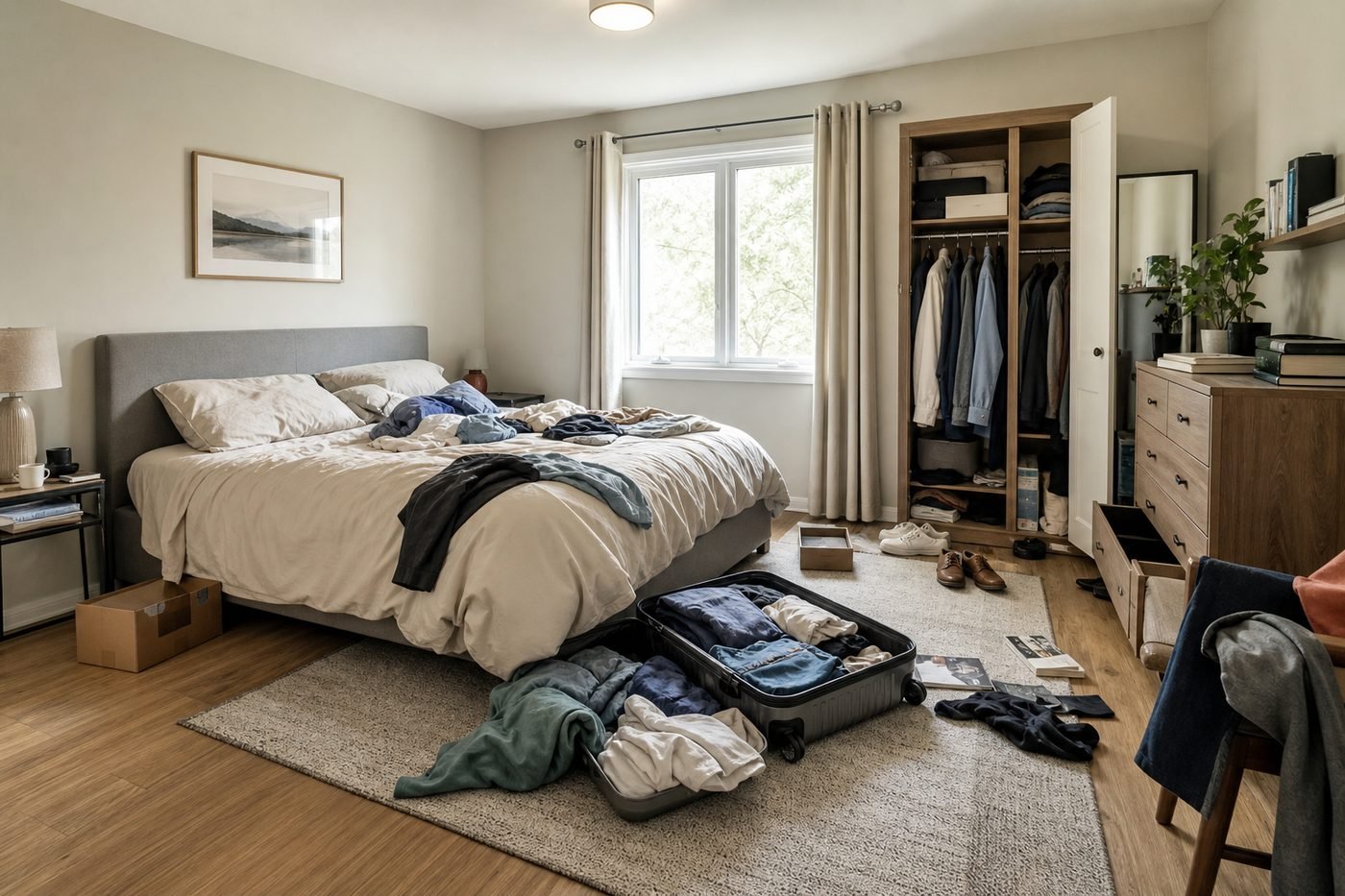
Reduce personal items and restore a calm presentation.
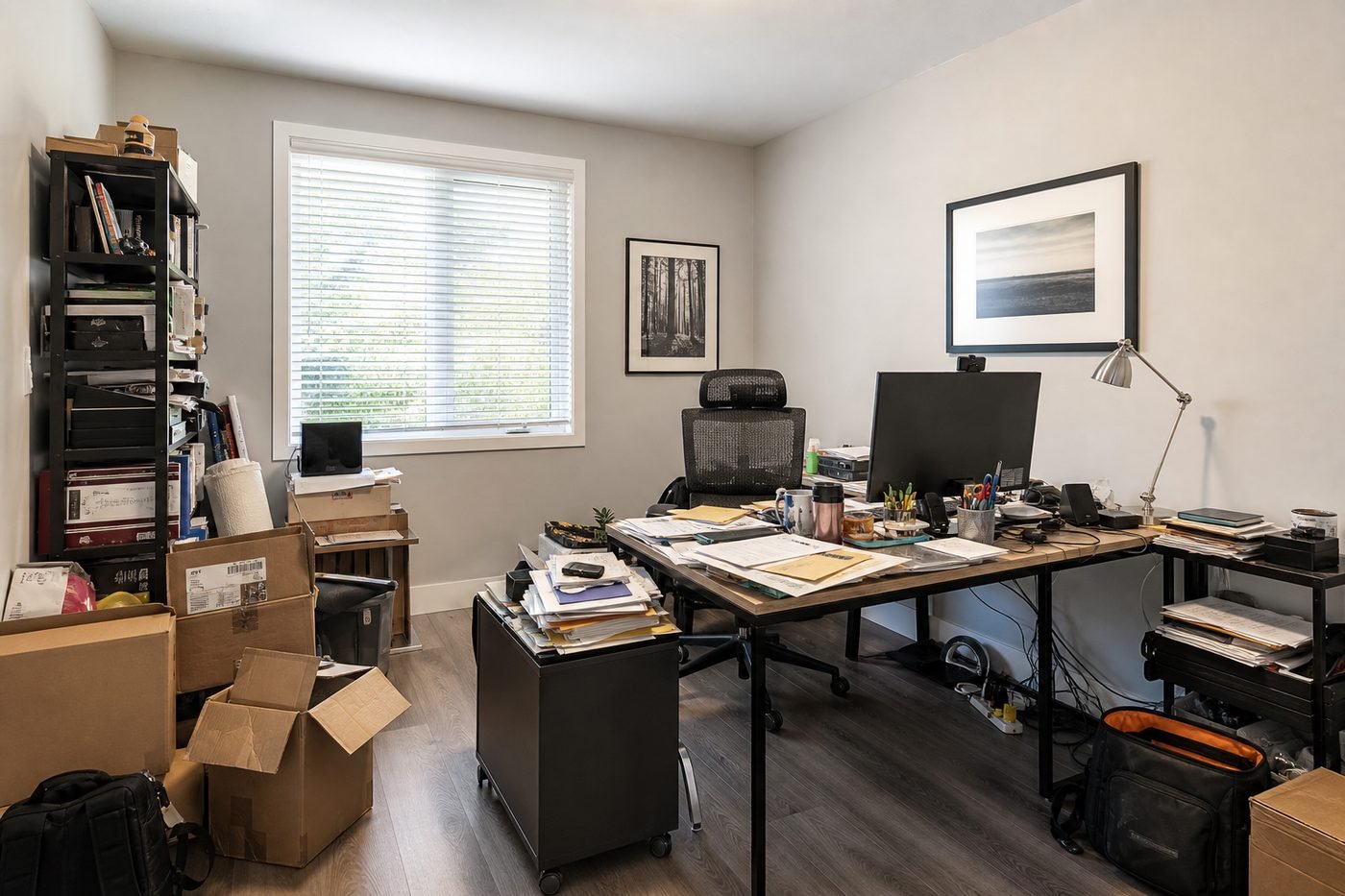
Simplify desks, shelves, cables, and loose paperwork.
A focused workflow keeps the experience simple for agents, sellers, designers, and property teams.
Let buyers focus on room size, light, and permanent features instead of loose belongings.
The workflow aims to preserve furniture, walls, windows, doors, and fixed surfaces.
Clean a usable listing image without arranging a second photography session.
Upload a room photo or start with one of the bundled examples.
Brush over specific objects when you want more control over what disappears.
Generate, inspect reconstructed surfaces, and download the result.
Small improvements to the source image and instructions can make the final result easier to trust and use.
When brushing, cover the full object and a small amount around its edge so the surface can be reconstructed cleanly.
Clear texture in floors, walls, and furniture gives the model better material information to rebuild hidden areas.
Avoid brushing structural details, built-in cabinets, or furniture that should remain in the listing.
These answers describe the current EstateFrame workflow and its intended use.
Contact support →No. You can run the full-room cleanup, or mark areas when you want to target specific objects.
The prompt is designed for loose clutter. Use Furniture Replacement when furniture itself should change.
Yes. The tool includes five bundled room examples for quick testing.
Inspect reconstructed edges, repeated patterns, reflections, and any area that was hidden by a large object.
Open the EstateFrame workspace, use your free credits, and keep every result organized in one account.