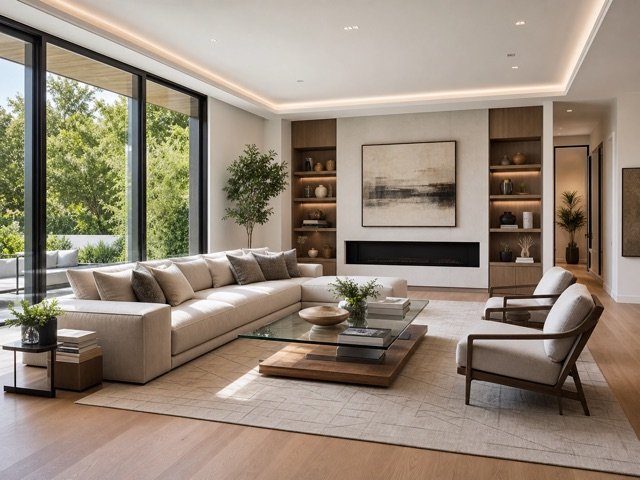
Modern
Simple forms and balanced neutral materials.
Replace dated or mismatched pieces with a coordinated design while retaining the room, light, surfaces, and camera angle.
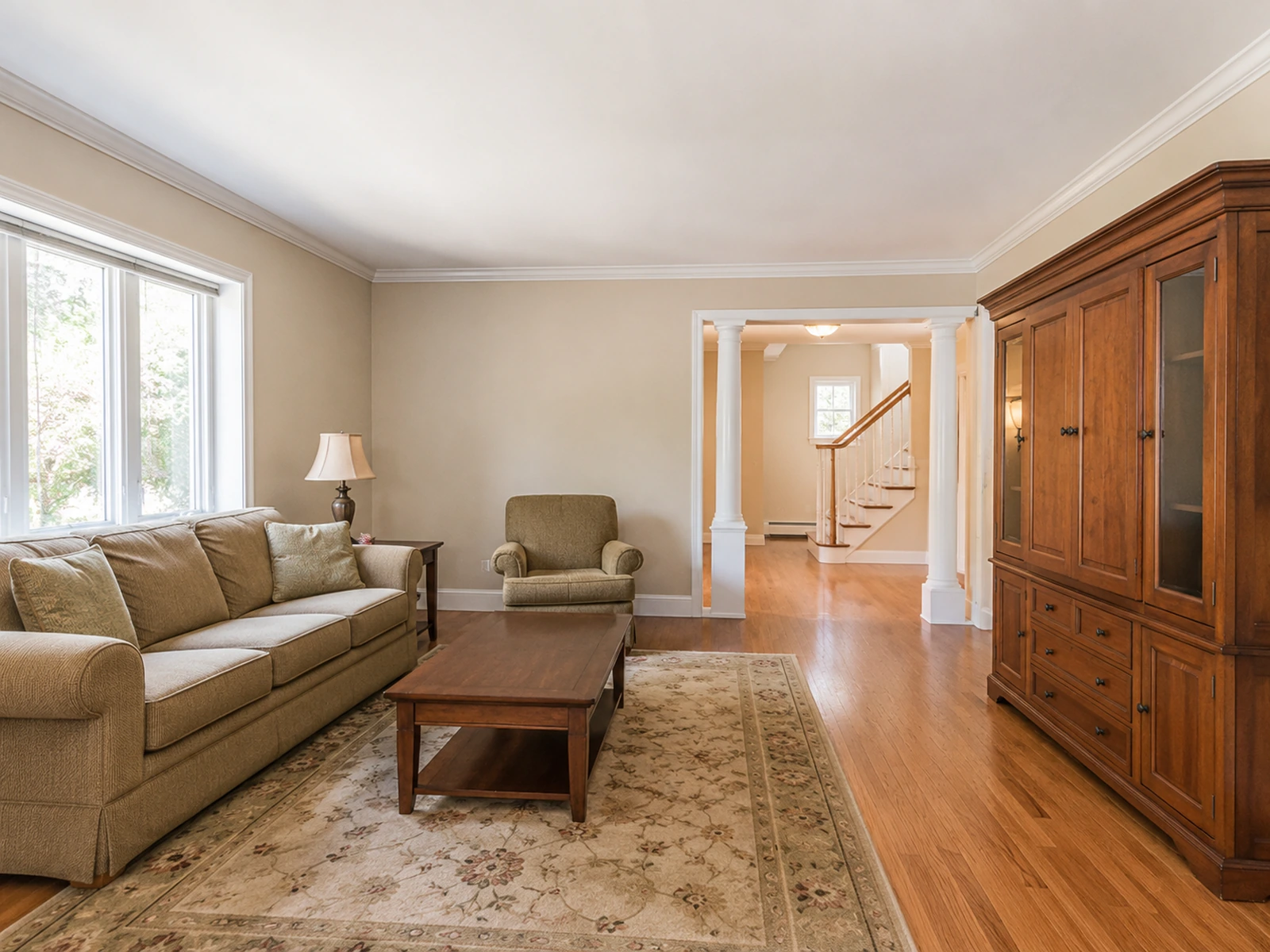
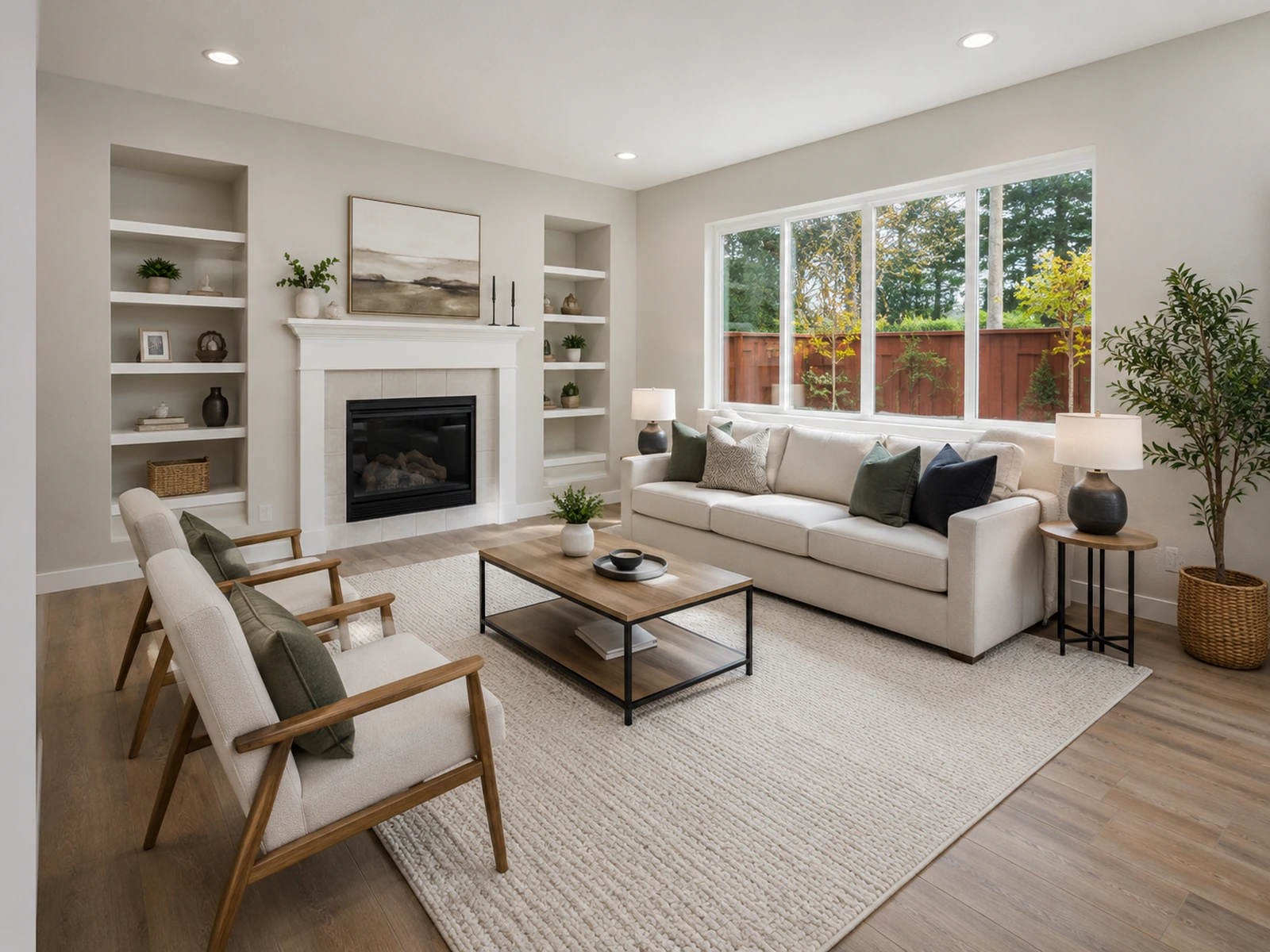
Use the examples as a starting point, then refine the result inside your EstateFrame workspace.
Simple forms and balanced neutral materials.
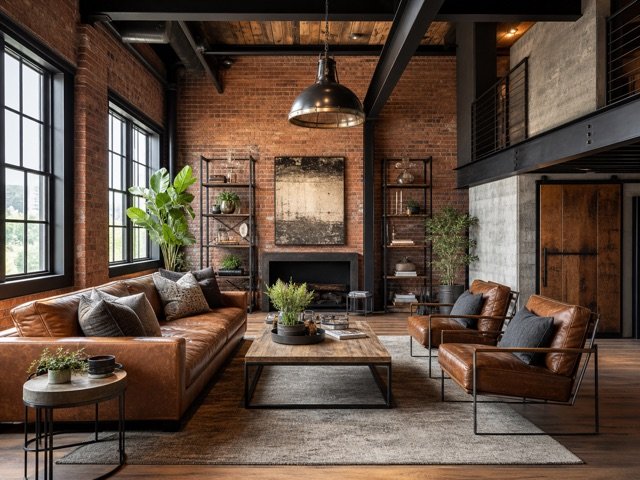
Darker metal, timber, and loft-inspired character.
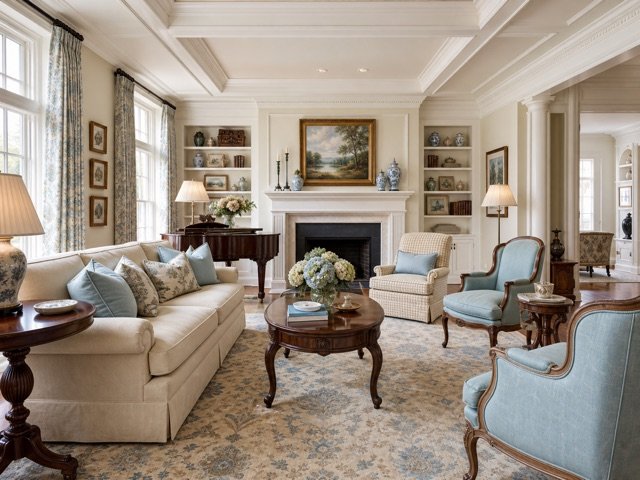
Familiar silhouettes and comfortable proportions.
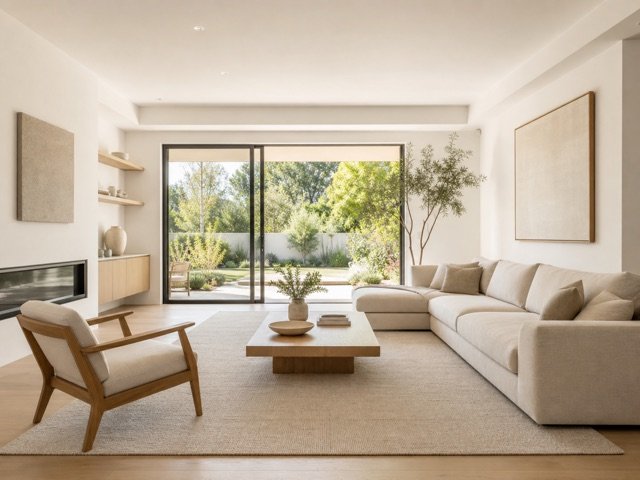
A lighter visual footprint with fewer, stronger pieces.
A focused workflow keeps the experience simple for agents, sellers, designers, and property teams.
Update the visual impression without changing the room’s permanent finishes.
A coordinated furniture plan makes layout and scale easier for buyers to understand.
Compare several design directions without sourcing, moving, or photographing physical furniture.
Choose a clear photo where the existing furniture is easy to identify.
Select a furniture direction that fits the room and target buyer.
Generate a coordinated alternative and review all preserved room details.
Small improvements to the source image and instructions can make the final result easier to trust and use.
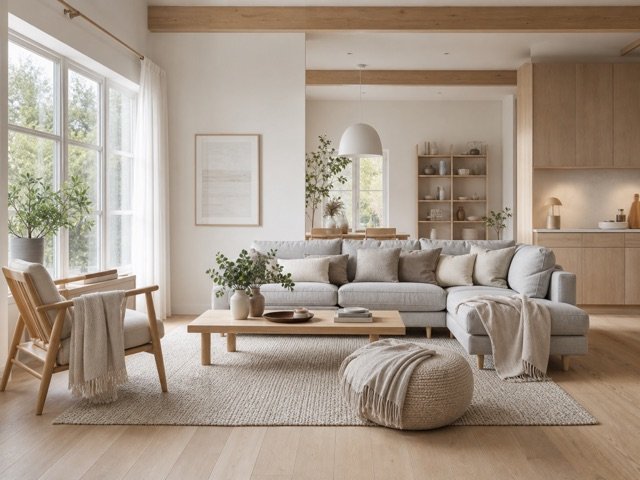
Photos with clean sightlines help distinguish removable furniture from permanent architecture.
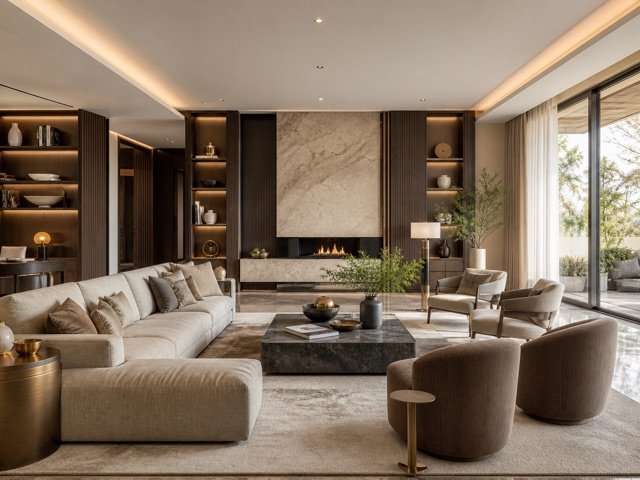
A consistent style, material palette, and furniture scale produces a calmer final image.
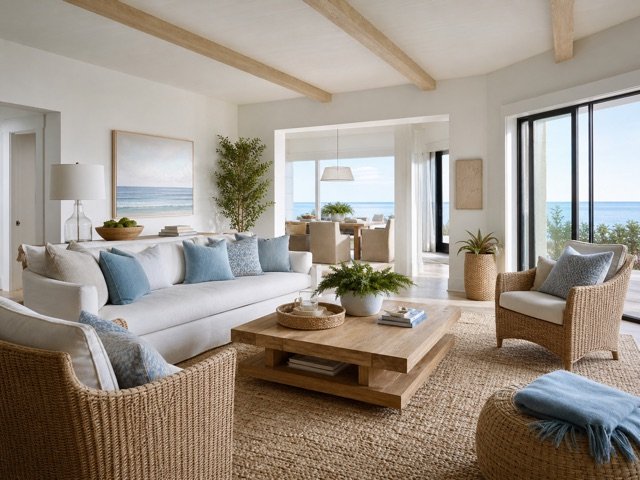
Pay special attention to windows, mirrors, and furniture intersections before using the image in marketing.
These answers describe the current EstateFrame workflow and its intended use.
Contact support →The workflow is designed to replace furniture while preserving the room, but the result should always be checked.
The current tool creates a coordinated room-level furniture update. More precise masking can be added in a future workflow.
No. This tool is specifically intended for rooms that already contain furniture.
Yes. The managed style library supplies several buyer-friendly interior directions.
Open the EstateFrame workspace, use your free credits, and keep every result organized in one account.